How to Encrypt Photos, Videos, Text Files & Databases
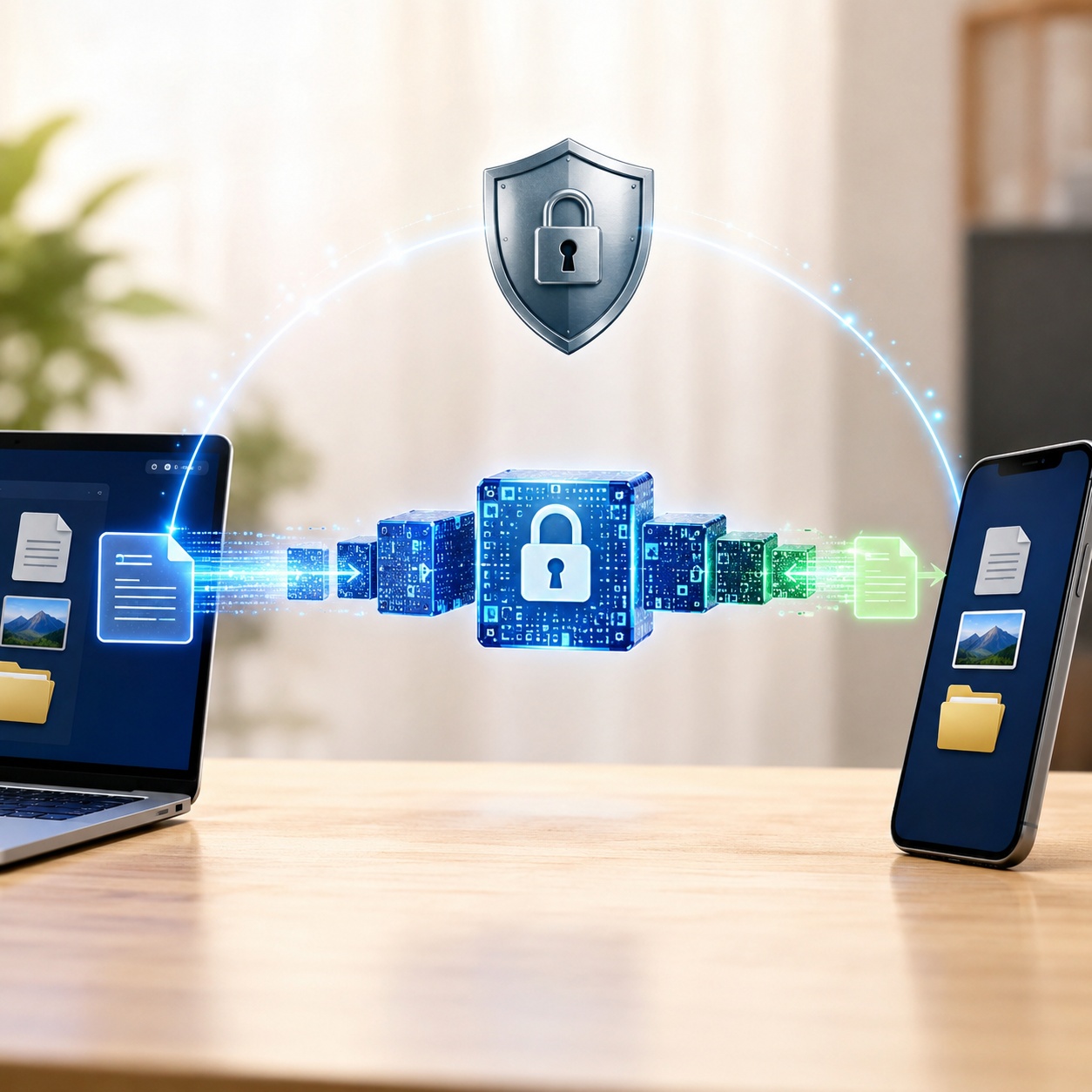
Different kinds of information need different safeguards. A database server, a portable drive, a text document, and a private phone gallery each create a separate security problem. This guide shows where encryption is appropriate, where access controls are doing the work, and how to choose a method without confusing the two.
Editorial Team•Last Updated: July 19, 2026•17 min read
Quick Answer
Start with the protection goal. Use database encryption for stored records, operating-system or container encryption for desktop files, and a dedicated media vault when an Android user wants selected photos and videos placed behind an additional access screen. A vault can improve privacy, but it should not automatically be described as equivalent to full-device or independently audited file encryption.
Why specific data types require different encryption
When searching for "data encryption software," a common mistake is assuming one application covers everything. In reality, encryption is highly contextual. A company might choose to encrypt only certain types of data (like PII in a database) to maintain query speed on non-sensitive columns. Conversely, an individual might just want to password protect a text file on Mac or lock an album of videos on Android without encrypting their entire hard drive.
Understanding what you are trying to protect dictates how you protect it. We have divided this guide by data type so you can navigate directly to the solution you need.
Database Encryption
Enterprise data is rarely stored as loose files; it lives in databases. Knowing how to encrypt a database is critical for HIPAA compliance and general enterprise security.
How Can I Encrypt Sensitive Data Before Storing It in a Database?
There are generally three layers at which you can apply database encryption software:
1. Application-Level Encryption
Data is encrypted by the application before it is sent to the database. This is highly secure because the database never sees the plaintext data, but it severely limits the ability to search or sort the data using SQL queries.
2. Column-Level Encryption
Only specific, highly sensitive columns (like Social Security Numbers or credit card fields) are encrypted. This balances security with database performance.
3. Transparent Data Encryption (TDE)
Often answering the query "which database encryption method can you use to encrypt data at rest", TDE encrypts the entire database file on the physical disk. If someone steals the hard drive, they cannot read the database files. However, if they gain valid SQL credentials, the data is decrypted transparently upon query.
Why Might a Company Choose to Encrypt Only Certain Types of Data?
Encryption introduces processing overhead. If a database contains a mix of public product catalog data and private user passwords, encrypting the product catalog slows down the website for no security benefit. Selective encryption (or "enabling personal consent in databases" per VLDB frameworks) optimizes performance while securing what actually matters.
Photo & Video Privacy on Mobile
Mobile privacy involves more than one layer. The phone passcode protects the device as a whole, a built-in private folder limits casual access to selected items, and a dedicated vault adds a separate workspace for sensitive media. These approaches can overlap, but they are not interchangeable.
Choose the layer that matches the risk
Whole-device protection: Use a strong screen lock and keep the operating system updated. This is the first barrier against access after loss or theft.
Built-in private storage: A locked or hidden folder is useful when you need a small amount of separation without installing another application.
Dedicated media vault: This is better suited to people who want a separate gallery, several unlock choices, private album organization, and optional backup features.
Convenience versus deliberate access
Fingerprint Access
Opening speedFast
Typing requiredNo
Depends onDevice biometrics
Useful forFrequent access
PIN, Pattern or Password
Opening speedModerate
Typing requiredUsually
Main riskObservation or reuse
Useful forIndependent vault access
Important distinction
Hiding an item, placing it behind an app lock, and encrypting its stored bytes are different controls. When a product page does not publish technical details about its cryptography, describe the verified user-facing behavior rather than assuming a particular algorithm or security grade.
ACT II — THE RECOMMENDATION
Android Media Privacy Pick
Android Review: Photo Video Locker
Photo Video Locker is designed for Android users who want selected photos and videos kept inside a separate, access-controlled media space rather than mixed into the normal gallery.
Platform and access
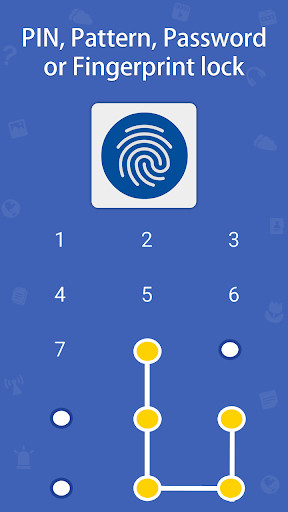
The current official listing is for Android phones and tablets. Users can secure the vault with a PIN, pattern, password, or fingerprint, depending on the device and app version.
Media organization
Private items can be grouped into albums and viewed from one in-app media area, reducing the need to maintain separate photo and video privacy tools.
Privacy extras
The Google Play description currently lists a decoy login, a concealed launcher option, unsuccessful-login photos, a private browser, and recovery-oriented tools.
Backup and appearance
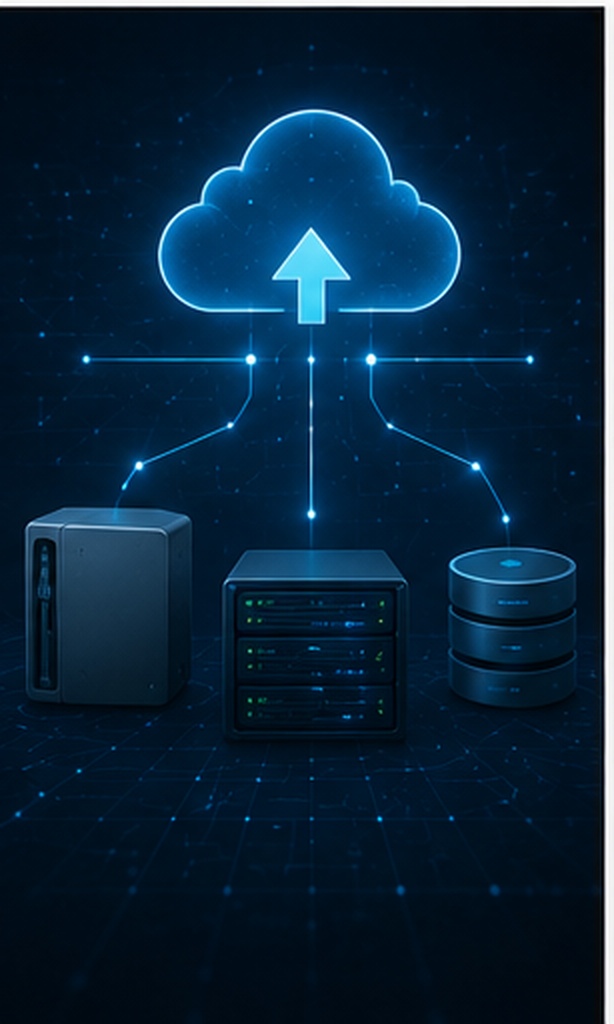
The product materials describe cloud backup and interface themes. The current store listing identifies Dropbox as the backup service, so setup and account requirements should be checked before relying on it.
Android phones & tabletsSeveral unlock methodsPrivate album organizationOptional online backup
Google Play currently shows advertising and optional purchases inside the app. A single universal price is not published on the supplied product page, and charges may differ by country or selected feature.
Product capabilities and store disclosures can change. Confirm the current Android listing and developer privacy policy before installation.
Built-in Phone Tools vs Photo Video Locker
Compare a simple operating-system folder with a separate Android media vault.
Where built-in options work well
No extra app: Fewer accounts, permissions, and update requirements.
Integrated access: Unlocking normally uses the phone's existing passcode or biometric setup.
Lower complexity: Suitable when you only need to separate a limited number of items.
Trade-off: Folder behavior and available controls vary by device manufacturer and operating-system version.
What the Android app adds
Dedicated gallery: Photos and videos are managed together inside the vault interface.
Choice of entry method: The product materials identify password, PIN, and pattern access, while the current store listing also includes fingerprint entry.
Additional privacy controls: The current Android listing describes decoy access, launcher concealment, and failed-login photography.
Backup option: Online backup is available, but it should be configured and tested before original files are removed.
Limitations to review
This product is presented by NewSoftwares as an Android application, not a cross-platform desktop or iPhone solution. Google Play also labels it as ad-supported with in-app purchases. Its Data safety panel currently reports that the app may share location information, may collect photos and videos, marks data as not encrypted and says a data-deletion mechanism is unavailable. Check the latest store disclosure and privacy policy before placing highly sensitive material in any cloud-connected vault.
Text File & Notes Encryption
Knowing how to encrypt text files is essential for storing recovery codes, passwords, or personal journals. The method depends heavily on your operating system.
How to Password Protect Text File on Windows 10
Windows does not natively let you right-click a `.txt` file and add a simple password. Instead, you can use EFS (Encrypting File System). Right-click the text file > Properties > Advanced > check "Encrypt contents to secure data". Note: This ties the encryption to your Windows user account, not a standalone password.
Encrypt Text File on Mac
macOS allows you to use Disk Utility to create an encrypted `.dmg` image, into which you can place text files. Alternatively, the native Notes app allows you to lock individual notes with your Mac password or Touch ID.
Linux Encrypt Text File / GPG
For technical users, you can use GnuPG. To GPG encrypt with a specific key from the terminal: gpg -e -u "Sender Name" -r "Recipient Name" file.txt.
"If you just need encrypted notes on your phone, avoid plain text files. Use an encrypted notes app or the secure notes feature within a password manager. It handles the key management seamlessly."
— Mobile Privacy Best Practices
Which encryption method is right for you?
What type of data are you primarily trying to encrypt?
Result
Content goes here.
How to Encrypt a USB Drive Safely
When searching for the "best way to encrypt a usb flash drive so i can share files securely with clients," cross-platform compatibility is the biggest hurdle.
Can you encrypt a USB drive?
Yes. If you only use Windows, BitLocker is designed to encrypt entire removable drives (BitLocker To Go). If you format the drive with BitLocker, it asks for a password upon insertion into any Windows machine.
Encrypt USB Drive Multi-Platform
BitLocker does not work on Mac. If you need to encrypt files on a USB drive and open them on Mac, Windows, and Linux, you need dedicated USB encryption software like USB Secure. These apps often create an encrypted partition and include a portable executable so the recipient doesn't need to install software to decrypt the files (provided they have the password).
Troubleshooting Vault Access and Media Recovery
A privacy vault can lock you out just as effectively as it locks out everyone else. Test the full import, unlock, export, and backup process with non-critical files before moving irreplaceable media.
Keep an independent copy until you have confirmed that the vault opens and exports files correctly.
Set an access method you can remember without reusing a banking, email, or device password.
Configure the available recovery and backup options, then verify that a test item can be restored.
Do not clear application storage or uninstall the app until you know where the protected files and backups are kept.
Use only the recovery path provided inside the app or contact the developer through the support details on Google Play. Avoid deleting app data, reinstalling, or using unofficial bypass utilities before you understand how those actions affect locally stored media.
Restart behavior can depend on the Android version, battery restrictions, and the app release. Reboot the phone during setup and confirm that the vault asks for authentication before relying on it around other people.
It transforms readable information into a form that cannot be understood without the correct cryptographic key. An app lock may control access without offering the same technical protection, so the two terms should not be used as substitutes.
The supplied product information and the current official store listing identify an Android edition for phones and tablets. Apps with similar names on other stores may come from unrelated developers.
Which unlock methods are available?
The product page lists password, PIN, and pattern access. The current Google Play description also includes fingerprint unlocking, subject to device support and the installed version.
Can the same vault hold both media types?
Yes. Its main practical advantage is a single private media area where both formats can be viewed and arranged without maintaining separate locker apps.
Does Photo Video Locker include backup?
Online backup is part of the product description, and the current Android listing refers to Dropbox. Treat backup as a feature that must be configured and tested rather than assuming every imported item is automatically recoverable.
Is Photo Video Locker completely free?
Google Play currently marks the app as containing advertisements and optional in-app purchases. The final cost depends on region and which paid options are selected.
Does the app replace Android device encryption?
No. A media vault adds another access layer for selected content. You should still use a strong phone passcode, current security updates, and a separate backup for irreplaceable files.
What privacy information should I check before installing?
Review the latest Google Play Data safety section, requested permissions, developer privacy policy, backup destination, and deletion options. Store disclosures can change between app releases.
Our Verdict
The correct security method depends on the data and the threat. Databases, desktop documents, removable drives, and mobile galleries should not be pushed into one generic solution.
For Android users, Photo Video Locker is a reasonable option when the priority is a separate media gallery, several ways to unlock it, private album organization, optional backup, and additional privacy controls. It is not presented as an iPhone or desktop product, and its advertising, in-app purchases, permissions, backup behavior, and current Data safety disclosure should be reviewed before use.